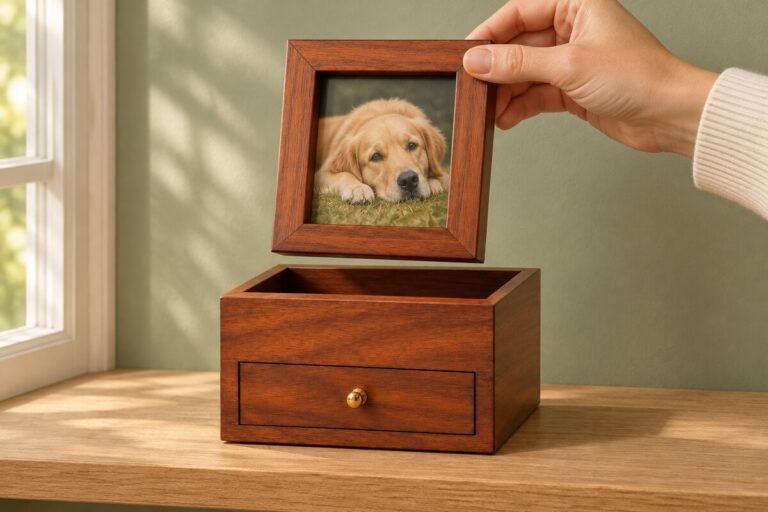
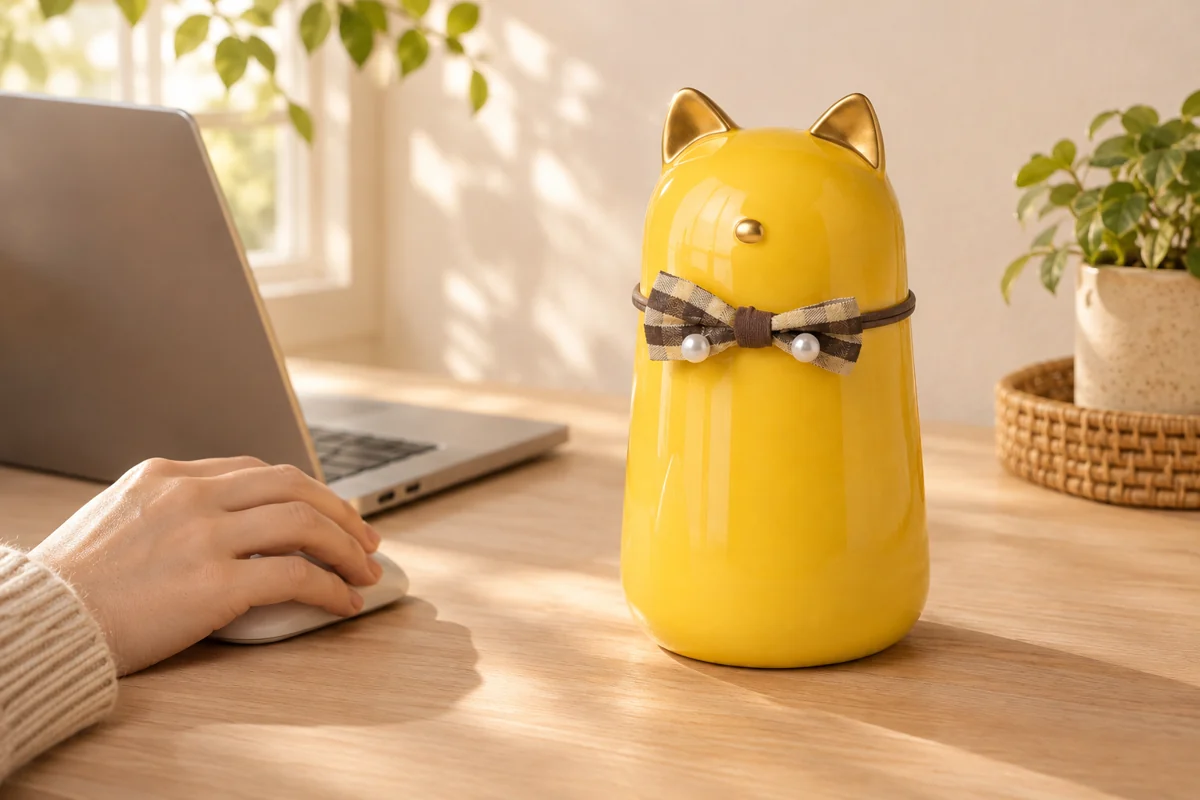
Illustrative lifestyle scene featuring model 9355. Desktop behavior is documented by the recorded page checks.
On November 16, 2026, we updated the desktop color preview for model 9355, our cat-ear ceramic pet urn with a checked bow. Moving across a color option can now show a temporary preview, while moving away returns the gallery to the color you have selected.
The distinction matters when you are comparing finishes. Looking at a pink preview should not quietly turn an already selected yellow item into a pink order.
What changed on desktop
Before this change, the tested page kept showing the selected yellow urn when the pointer moved over the pink option. After the update, moving over Pink showed the pink product photograph. The purchase selection stayed Yellow. Moving the pointer away restored the yellow photograph.
We also checked keyboard focus on the Black option. It showed the black preview while the purchase selection remained Yellow. Previewing and selecting are separate actions.
How to use the color choices
- Select the color you are considering.
- On desktop, move over another color option to compare its photograph. Treat that image as a preview until you select the option.
- Move away to return to the photograph for your current selection.
- Before adding the urn to your cart, check the selected color label and the corresponding photograph together.
The available colors are Black, Pink, White and Yellow. Look at the checked bow as well as the ceramic body when comparing the photographs. The white version is shown with a blue checked bow, while the pink version has a pink checked bow.
What to check if the picture and label disagree
Pause before adding the item to your cart. Note the color label, the photograph being shown and whether the pointer is still over another option. Then contact us with model 9355 and those details if the mismatch remains. A screenshot can help us identify the step that needs attention.
These recorded checks cover the desktop pointer and keyboard behavior described above. Touchscreen behavior is being checked separately. On a phone or tablet, use the selected color label and the product photograph together when reviewing your choice.